When running in demo version, a watermark will be added to documents upon saving them. To run in full production mode, Xodo PDF Studio needs to be activated.
Sign in with user account
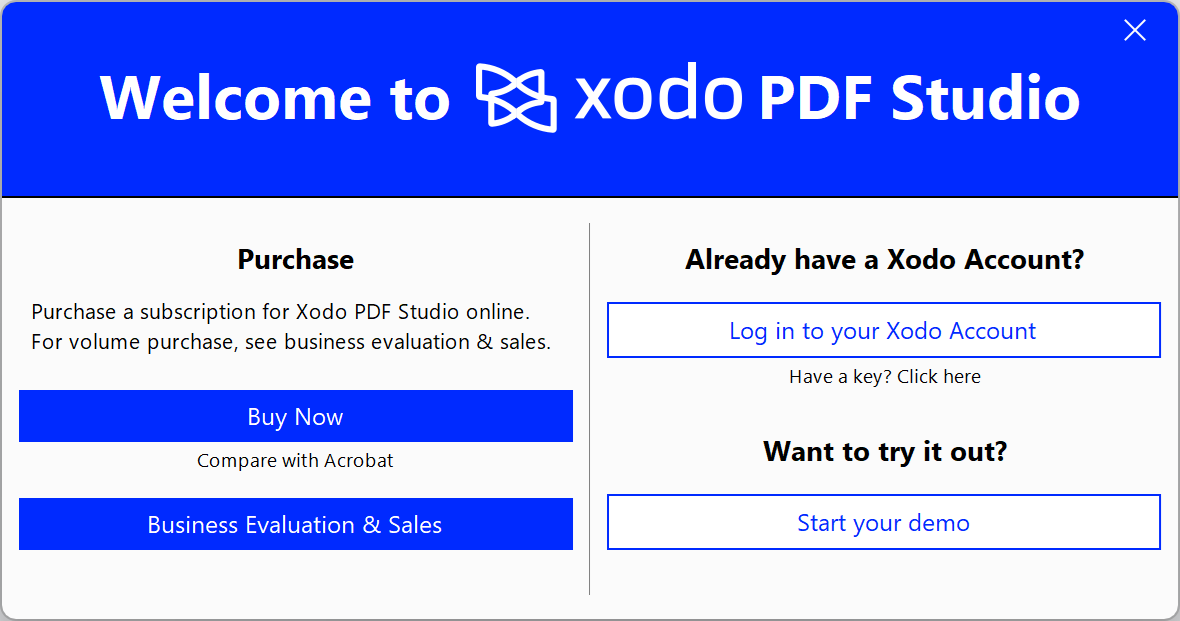
Launch Xodo PDF Studio and a trial dialog will show up where you can click on the Log in to your Xodo Account button.
If Xodo PDF Studio is already launched, you can do one of the following:
- Click on the Account > Login button on the top right of the application window.
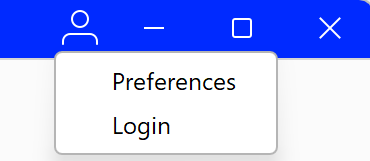
- go to Help Tab > Login.

Once you have completed the login process Xodo PDF Studio will now be in production mode with watermarks removed.
Was this article helpful?
That’s Great!
Thank you for your feedback
Sorry! We couldn't be helpful
Thank you for your feedback
Feedback sent
We appreciate your effort and will try to fix the article